Key takeaways
Fill, sign, and submit Telegraphic Transfer Application Form from any browser — or have AI generate a custom version in seconds. No installs, no printing, no back-and-forth.
- The Telegraphic Transfer Application Form is a document used by customers to request a telegraphic transfer of funds.
- Customers must complete this form and provide a signature to confirm their agreement to the transfer terms and conditions.
- This financial transfer request requires sender details, including the account title and the debit account number for the transaction.
- Users must provide the beneficiary name and the specific currency requested for the international money transfer.
- The application requires the exact amount to be transferred along with a stated purpose for the remittance.
- Completing the form involves agreeing to the specific terms and conditions governing the telegraphic transfer process.
What is Telegraphic Transfer Application Form?
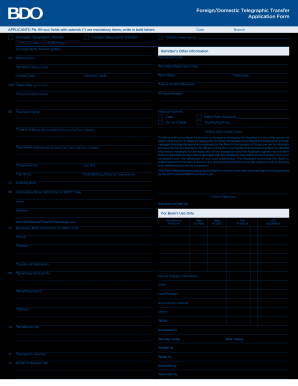
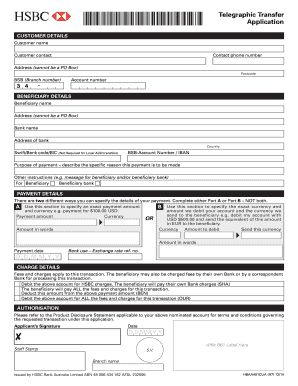
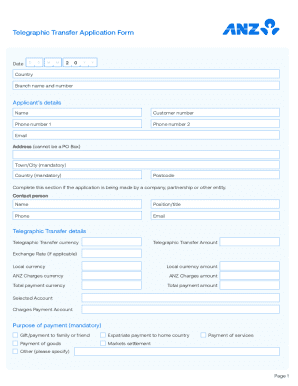
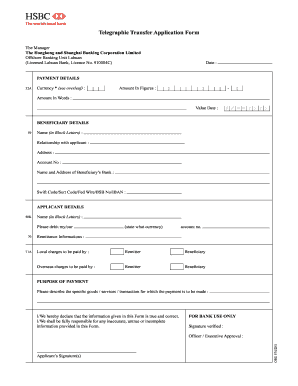
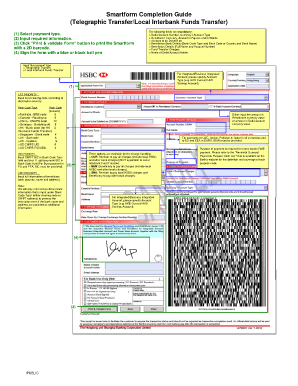
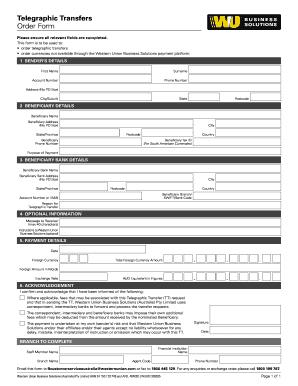
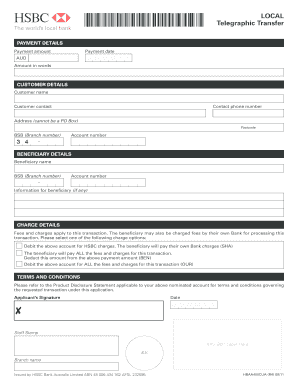
Telegraphic Transfer Application Form is a document used by customers to request a telegraphic transfer of funds to a specified recipient. Often functioning as a bank transfer form, it serves as a formal instruction for moving money between different accounts or financial institutions. The document captures essential data including the sender's account title, the debit account number, and the specific currency required for the transaction. This ensures that the financial institution has all the necessary details to process the request accurately and efficiently.
Beyond sender details, the form requires specific information regarding the beneficiary, including their full name and the intended purpose of the remittance. This level of detail helps verify the transaction and ensures compliance with standard banking procedures for domestic or international transfers. By completing the document, the customer agrees to the terms and conditions outlined within the text. The process concludes with the customer's signature, which serves as a formal authorization for the institution to proceed with the requested electronic transfer of funds.
The issuing authority for this form is not specified.
Who needs the Telegraphic Transfer Application Form — and who doesn't
Not everyone files Telegraphic Transfer Application Form. The checklist below tells you whether it applies to your situation — and points you to the right alternative if it doesn't.
You need this Telegraphic Transfer Application Form if…
- you are a customer who needs to request a telegraphic transfer of funds to a specific beneficiary.
- you must provide detailed sender and beneficiary account information for an international money transfer.
- you intend to authorize a debit from your account for a financial transfer request.
- you are required to state the specific purpose of the remittance as part of the transaction process.
You do not need this Telegraphic Transfer Application Form if…
- you are not a customer of the financial institution processing the transfer.
- you are performing a banking transaction that does not involve a telegraphic transfer.
Why you need the Telegraphic Transfer Application Form
Why people fill out Telegraphic Transfer Application Form, and what tends to go wrong when they don't.
-
Facilitate International Remittances This form is essential for requesting a telegraphic transfer of funds. It serves as the primary instruction to move money between accounts across different financial institutions or international borders.
-
Detail Beneficiary Information By providing specific account titles and debit numbers, you ensure the bank has the precise data required for the transfer. This documentation helps clarify the purpose and destination of the remittance.
-
Validate Instruction Consent The required customer signature acts as a formal record of your agreement to the transfer request. Keeping a copy helps verify that the transaction was authorized according to the bank’s terms.
-
Efficient Digital Completion You can fill out, eSign, and send this application using pdfFiller. This online platform for managing PDF forms allows you to complete the request in your browser and save the final document.
What each section of Telegraphic Transfer Application Form means
Every section explained — what it's asking, the records you'll need on hand, and the mistakes that most often cause a rejection or follow-up request.
| Account and Transfer Details | Enter the sender and beneficiary account names and numbers, the specific currency for the telegraphic transfer, the total amount, and the purpose for the remittance. |
|---|---|
| Customer Signature | Provide the required signatures to confirm your agreement to the transfer request and acknowledge the terms and conditions associated with the financial transaction. |
How to fill out Telegraphic Transfer Application Form using pdfFiller
A walkthrough from the first field to the signature line. With your records in front of you, most people finish in under ten minutes.
-
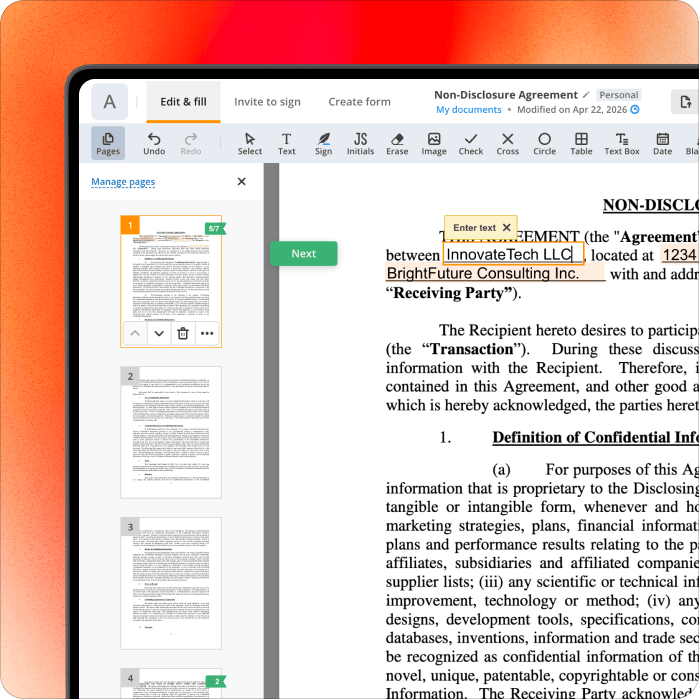
Open the Document Click Get Form to open Telegraphic Transfer Application Form in the pdfFiller editor to begin your financial request directly within your web browser for immediate editing.
-
Enter Sender Information Locate the Sender and Beneficiary Account Information section and click the fields to type your Account Title or Name and your specific Debit Account Number.
-
Define Transfer Details Use the text tools to specify the TT Currency and the exact amount you wish to transfer, ensuring all financial data is accurately entered on the bank remittance form.
-
Identify the Beneficiary Navigate to the beneficiary fields and click to provide the Beneficiary Name and their corresponding account details to ensure the funds reach the correct recipient.
-
State Remittance Purpose Select the purpose of remittance field and type the reason for your transfer, as required by the application's terms and conditions for processing the request.
-
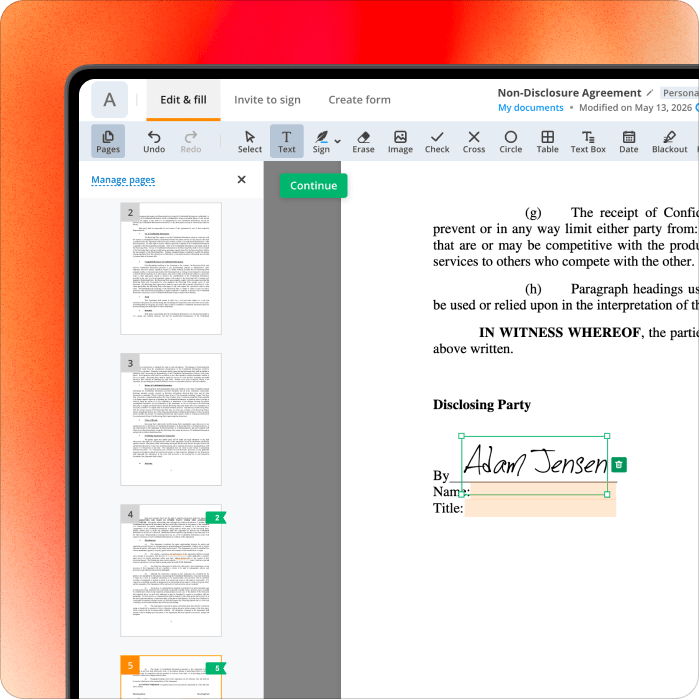
Apply Electronic Signature Click on the Customer Signature(s) section and use the pdfFiller signature tool to create and add a legally binding e-signature to authorize the telegraphic transfer.
-
Save or Share Click Done to save your completed PDF in secure, encrypted storage, where you can then choose to download the document or share it via email or fax.
Key terms used in Telegraphic Transfer Application Form
A one-sentence glossary of the Telegraphic Transfer Application Form terms and concepts you'll see throughout this guide.
- Telegraphic Transfer
- An electronic method of transferring funds, often used for international wire transactions between banking institutions.
- Beneficiary
- The individual or entity designated to receive the funds being transferred through the telegraphic transfer process.
- Debit Account Number
- The specific bank account identifier from which the transfer amount and any associated fees will be withdrawn.
- Remittance
- The sum of money sent from one party to another, typically across international borders as a payment or gift.
- Account Title
- The official name associated with a bank account, used to identify the sender or the recipient of the funds.
Frequently asked questions about Telegraphic Transfer Application Form
Quick answers to the questions we hear most often about completing the Telegraphic Transfer Application Form.
A Telegraphic Transfer Application Form is a document used by a customer to request an electronic transfer of funds between bank accounts. This form facilitates the movement of money by providing specific instructions to the financial institution regarding the sender, the recipient, and the currency involved in the transaction.
A bank transfer form requires the sender's account title and number, the beneficiary's name, the transfer currency, and the specific purpose of the remittance. You must also provide the amount to be transferred and review the terms and conditions associated with the transfer process to ensure all details are accurate before submission.
The customer initiating the transfer must sign the international money transfer form to confirm their agreement to the request and the associated terms. This signature serves as official authorization for the bank to debit the specified account and proceed with the remittance according to the provided instructions.
Yes, you can fill out, sign, and manage a financial transfer request using the pdfFiller online platform. It allows users to edit PDF documents in a browser, add legally binding e-signatures, and securely share the finished form via email or link, while keeping documents safe in encrypted storage compliant with GDPR and SOC 2.
The purpose of a bank remittance form is to provide the bank with all the necessary details to execute a telegraphic transfer of funds. By completing this form, the customer ensures that the bank has the correct beneficiary account information and understands the reason for the payment, which helps prevent errors during the transfer process.
No, the Telegraphic Transfer Application Form does not require notarization to be valid. The customer only needs to provide their signature to authorize the transaction; however, users should always verify if their specific financial institution has additional internal verification procedures or requirements for high-value international transfers.